Haletale 1.10.6 Release Notes
Release Date: August 26, 2025
What's New ✨
Notes for Contacts & Users
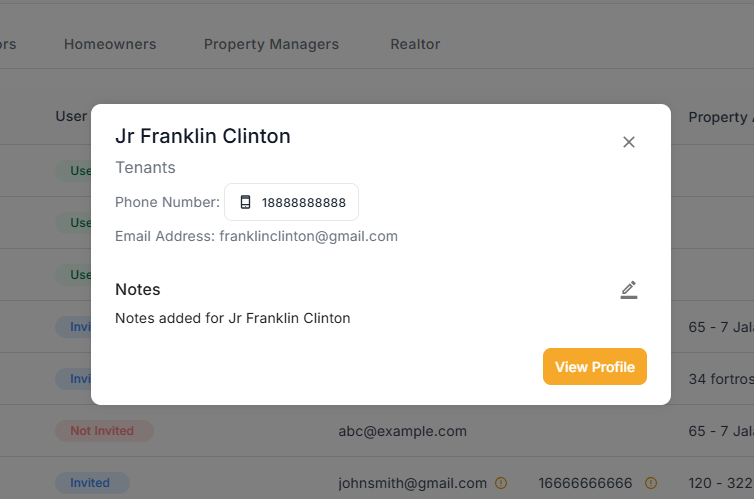
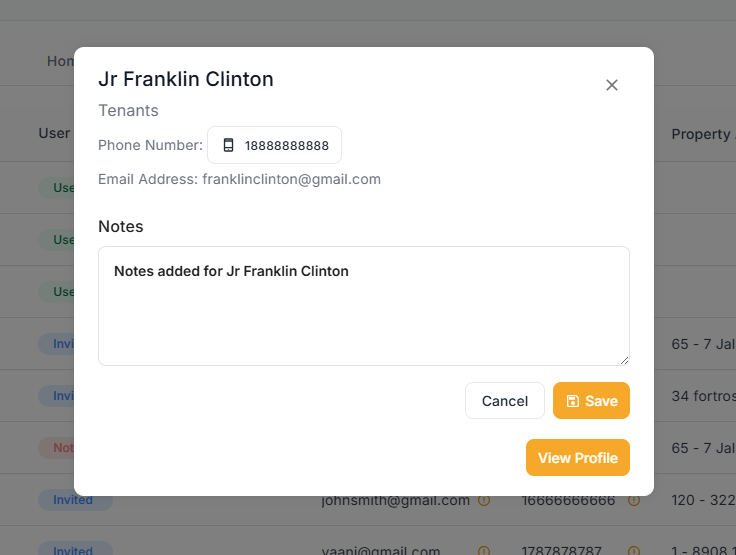
Administrators can now add private notes directly to contact and user profiles. This helps you keep track of important information, conversations, and reminders for each person in your system.
New Property Type
We've added Campsite as a property type option, giving you more flexibility in categorizing your properties.
Improvements 🚀
Streamlined Property Management
We've simplified the property creation process:
Consolidated Information Sections
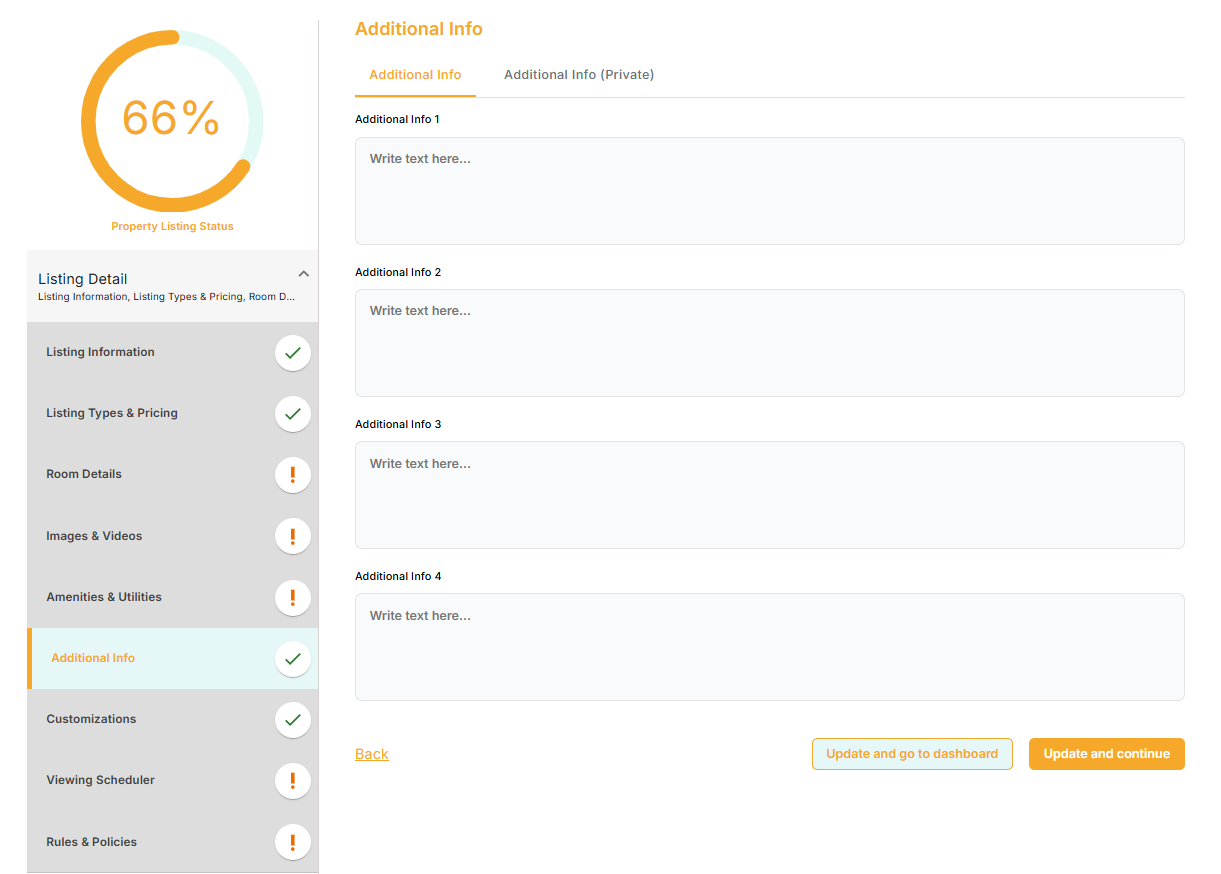
Additional info and additional private sections are now combined into one easy-to-use area
Better Amenities Organization
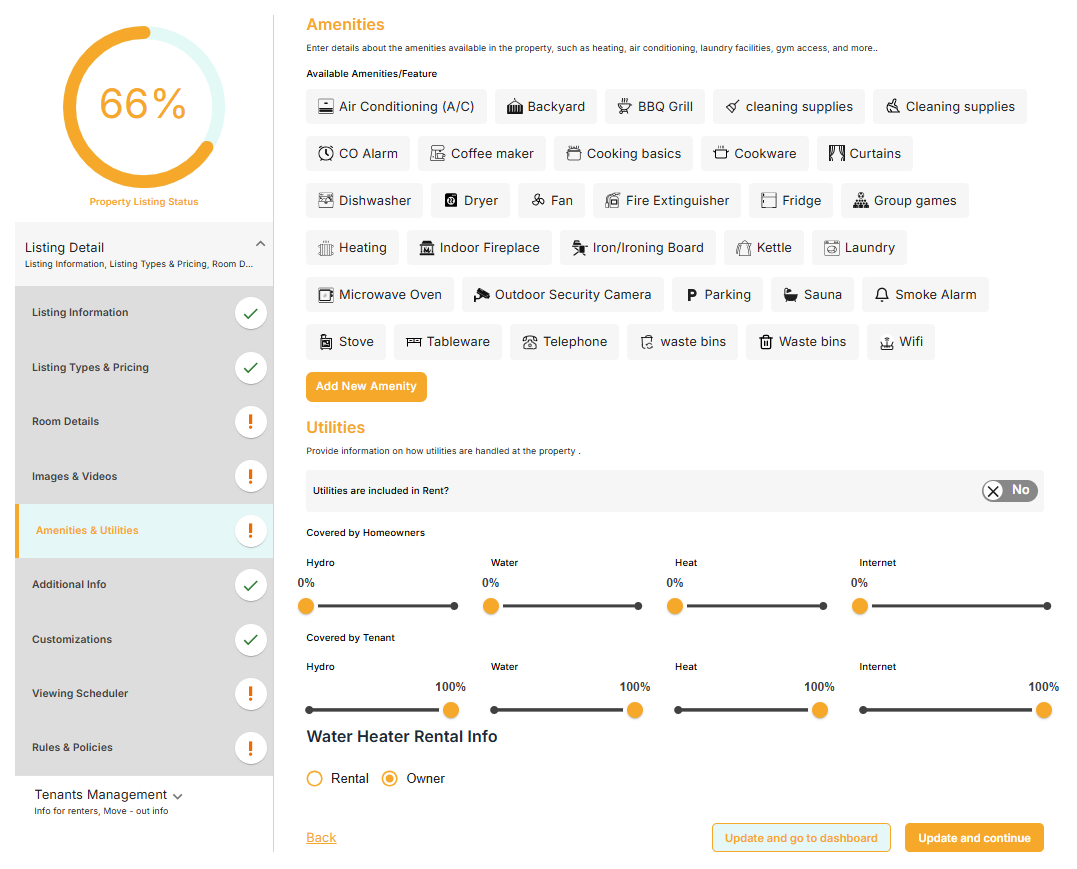
Amenities are no longer scattered under additional info; they now have their own dedicated section for easier management
Enhanced Maintenance Workflow
Maintenance Assignment Notifications - You'll now receive notifications when maintenance tasks are assigned
Contractor Date Visibility - The contractor notification date is now displayed clearly in the assignment modal
Improved Property Application Experience
Better Date Selection for Property Applications We've completely redesigned how move-in and move-out dates work on the property listing page:
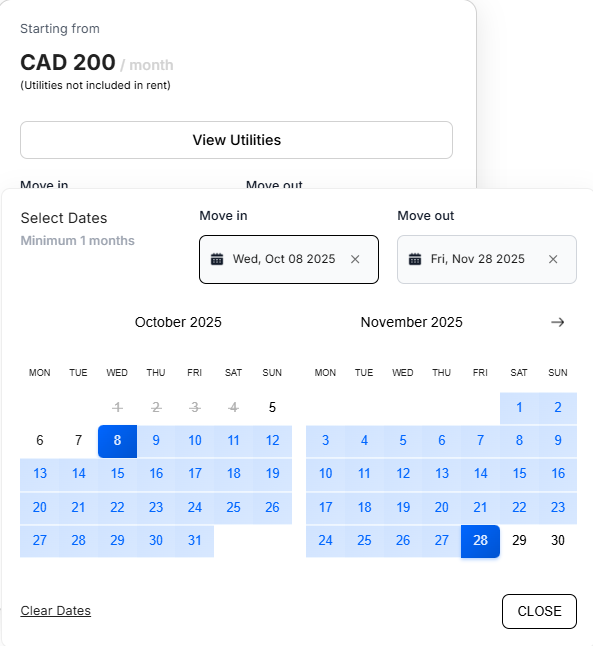
For flexible bookings (no minimum stay): Select your move-in date first, then choose your move-out date separately. The system won't automatically fill dates for you, giving you complete control.
For bookings with minimum stays: Once you select a move-in date, the move-out date will automatically calculate based on the minimum duration requirement. You can still adjust either date as needed, and the system will intelligently switch between them as you make your selections.
Move In and Move Out date boxes now highlight to clearly indicate the current selection.
Task Management Export
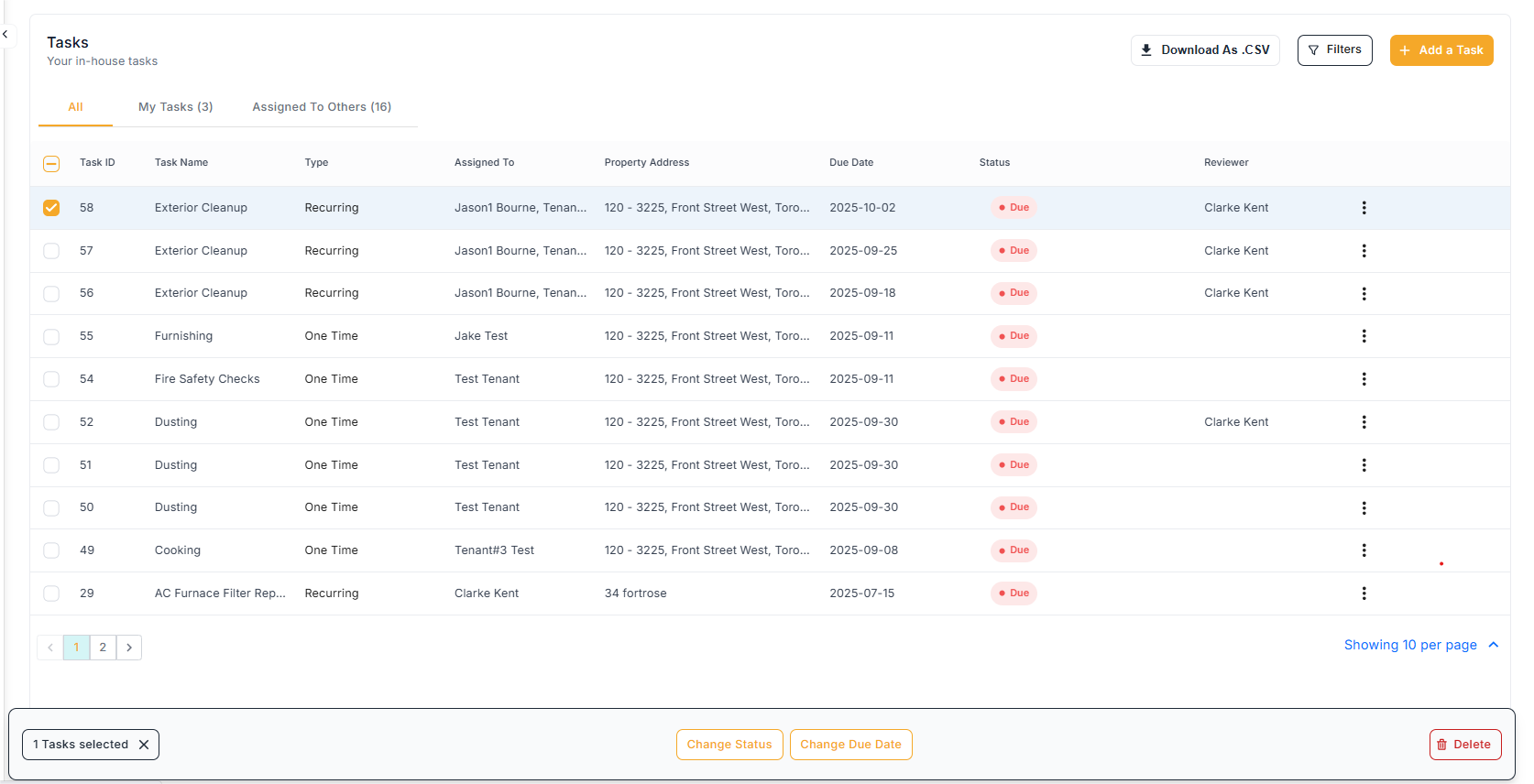
You can now download your tasks as CSV files, making it simple to analyze, share, or archive your task data.
Recurring Invoice Enhancements
Persistent Line Item Display - Editing a recurring invoice no longer resets your view back to 10 items; your selected display preference (25 or 50 items) is now maintained
Stay on Your Page - When you save edits to a recurring invoice from page 2 or beyond, you'll stay on that same page instead of being redirected back to page 1